
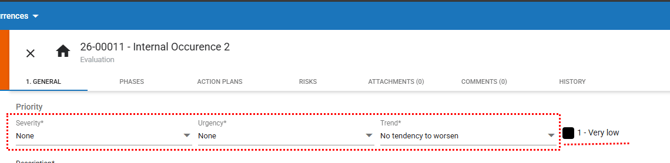
With the prioritization rule, process management becomes more agile, accurate, and reliable. Now, the deadlines for each stage are automatically defined according to the priority of the occurrence, determined by the previously configured Prioritization Rules.
This automation eliminates the need for manual adjustments, reduces operational risks, and ensures greater compliance in the evaluation processes.
Acessing the module
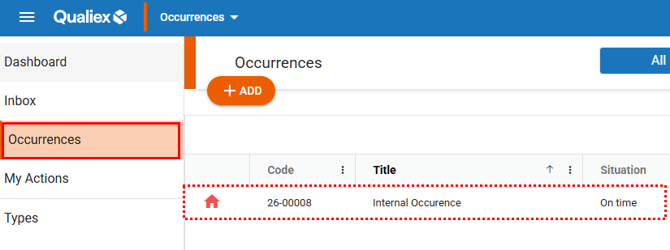
Link de como acessar modulo de ocorrencias em ingles
Impact of priority on the deadlines of the occurrence’s process steps
When are the deadlines applied automatically?
-
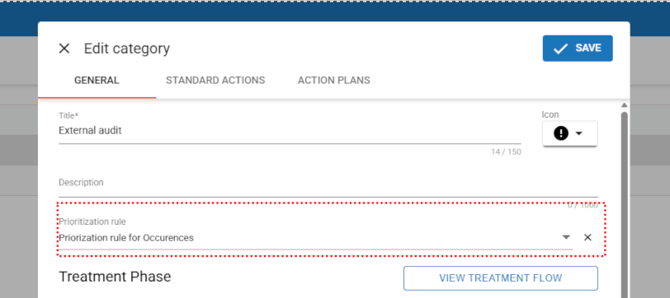
The occurrence is linked to a category with an active prioritization rule;
-
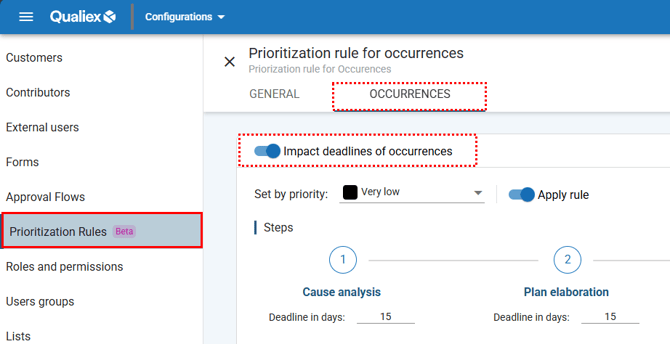
The ‘Impact occurrence deadlines’ option is enabled in the rule;
-
-
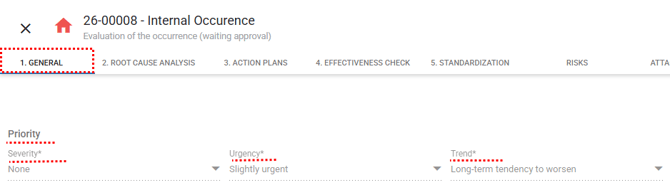
The occurrence’s priority has already been defined based on the criteria provided
🔎 Clique aqui e saiba O que é a priorização de Ocorrências no Qualiex. (Placeholder)
Behavior in the ‘Steps’ tab
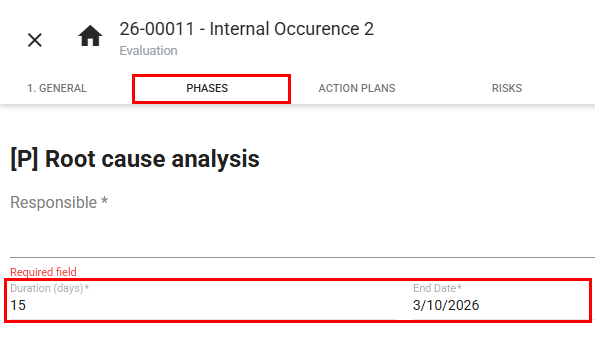
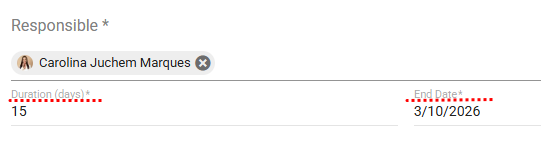
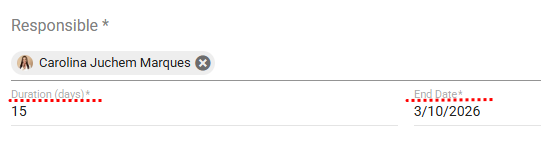
- The fields remain in read‑only mode during the evaluation stage;
-
If the criteria are changed and the priority is modified, the deadlines are updated automatically;
-
The applied values follow what was defined in the ‘Occurrences’ tab of the prioritization rule.
Deadline and Responsibility Management
The modification of deadlines and responsible parties within the occurrence may vary depending on the type of rule configured:
1. Active Simple Rule
-
The system applies the approval workflow based on the priority;
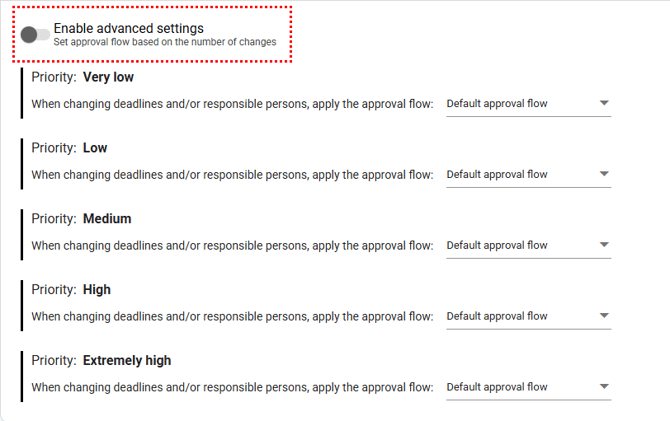
- The same rule remains valid even after multiple edits.
2. Inactive Simple Rule
-
The fields can be freely edited by the user, as before.
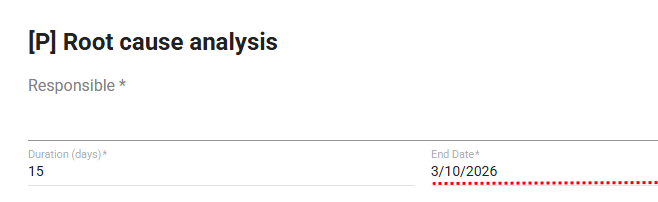
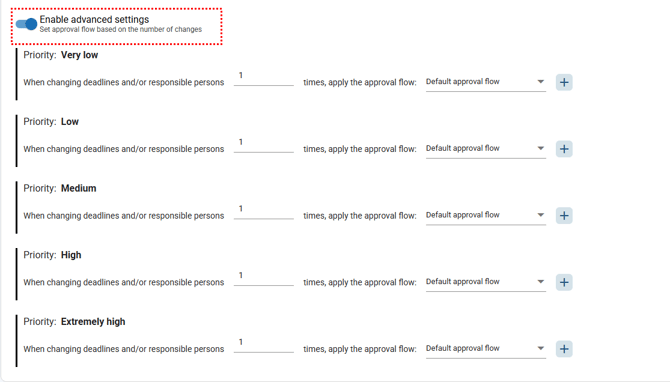
3. Active Advanced Configuration
-
The system applies different approval workflows depending on the number of changes made;
-
The limits and workflows are defined in the ‘Occurrences’ tab of the Prioritization Rule, within the Settings module.
4. No Rule Configured
-
The field operates in the traditional manner, with no approval required.
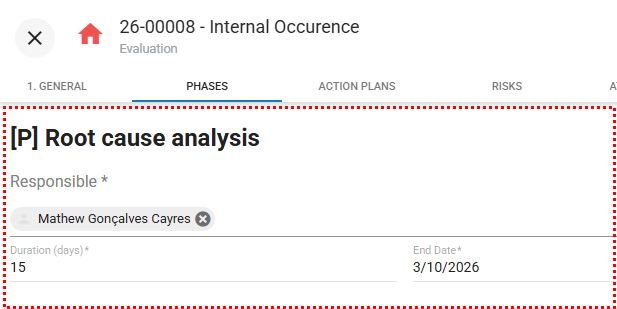
🔎 Clique aqui e saiba Como alterar um responsável ou prazo de uma ocorrência?
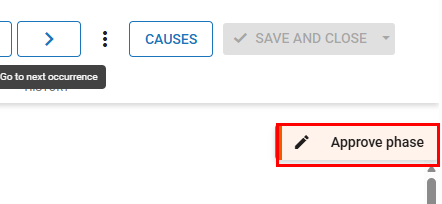
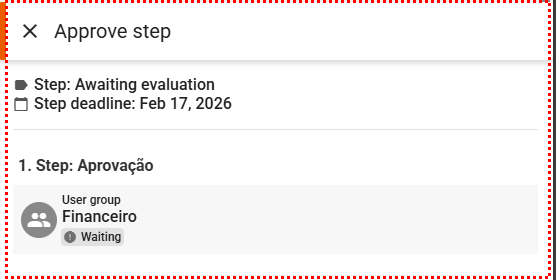
During the approval process:
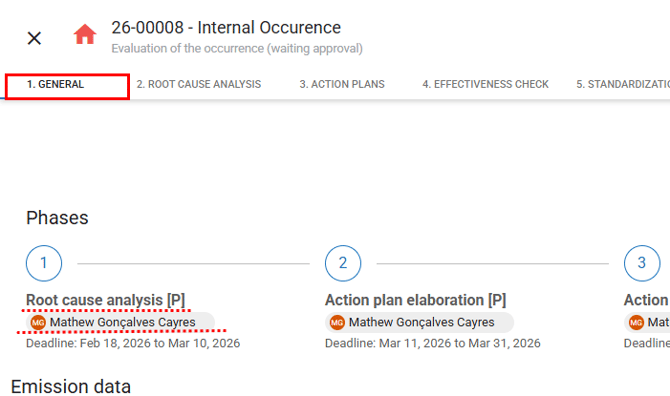

Approval of the Change
Only the user designated as the approver in the workflow will be able to:
- Approve the change, making the new data valid immediately;
- Reject it, restoring the previous data;
- Return the change to a specific step in the workflow.
The decision will be made through a dedicated comparison and approval screen, displaying the previous data and the new values.
(PLACEHOLDER)🔎Clique aqui e saiba Como configurar o novo fluxo de aprovação no módulo Ocorrências?