To access the Occurrences module, click here to log in to Qualiex. The page for entering your login credentials will open.
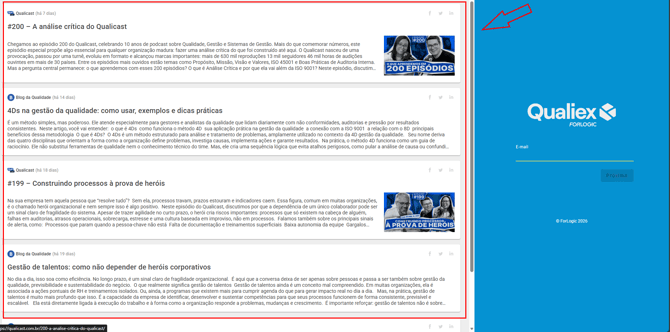
On the left side of the screen, you will find a shortcut to the latest Blog da Qualidade articles and Qualicast episodes, so you won’t miss anything!
1. Login to Qualiex
Enter your email address (the one you use at work) in the “Email” field, and click
 to proceed.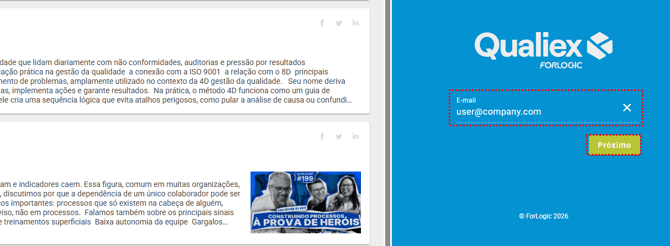
If you experience any difficulty, contact the person responsible for Qualiex in your company.
To log in, enter the password you have previously set in the “Password” field, and then click  to continue.
to continue.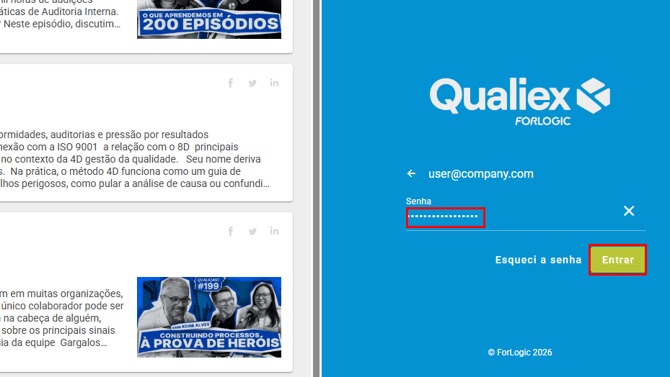
Your password is encrypted and only you have access to it, and all your actions are logged. For this reason, do not share your account credentials.
2. Locate the module for access
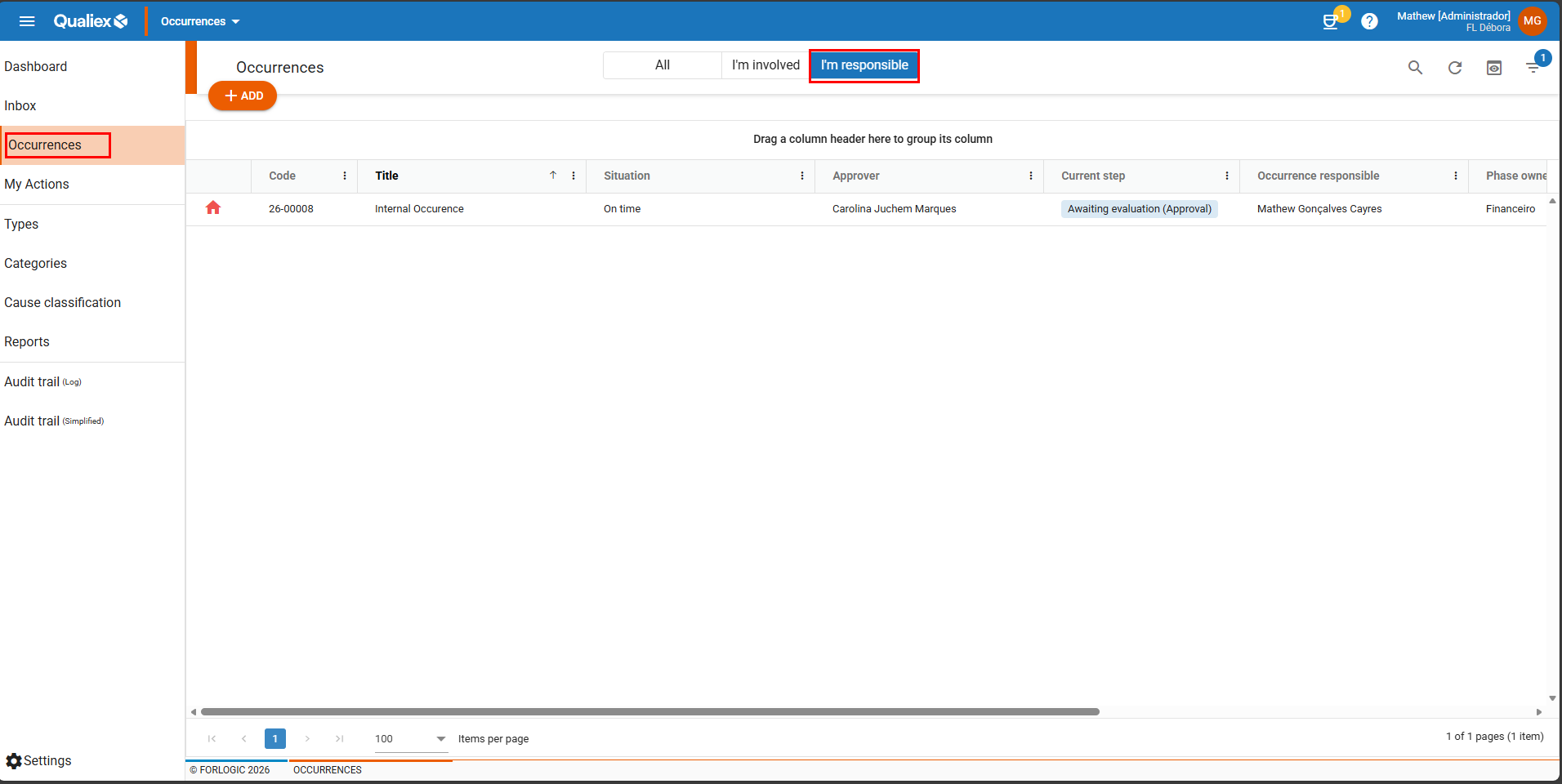
After logging in, you will have access to the dashboards of the classic modules. To proceed to the Occurrences module, click on the “Dashboard” menu and then select “Occurrences” (as shown in the image below).
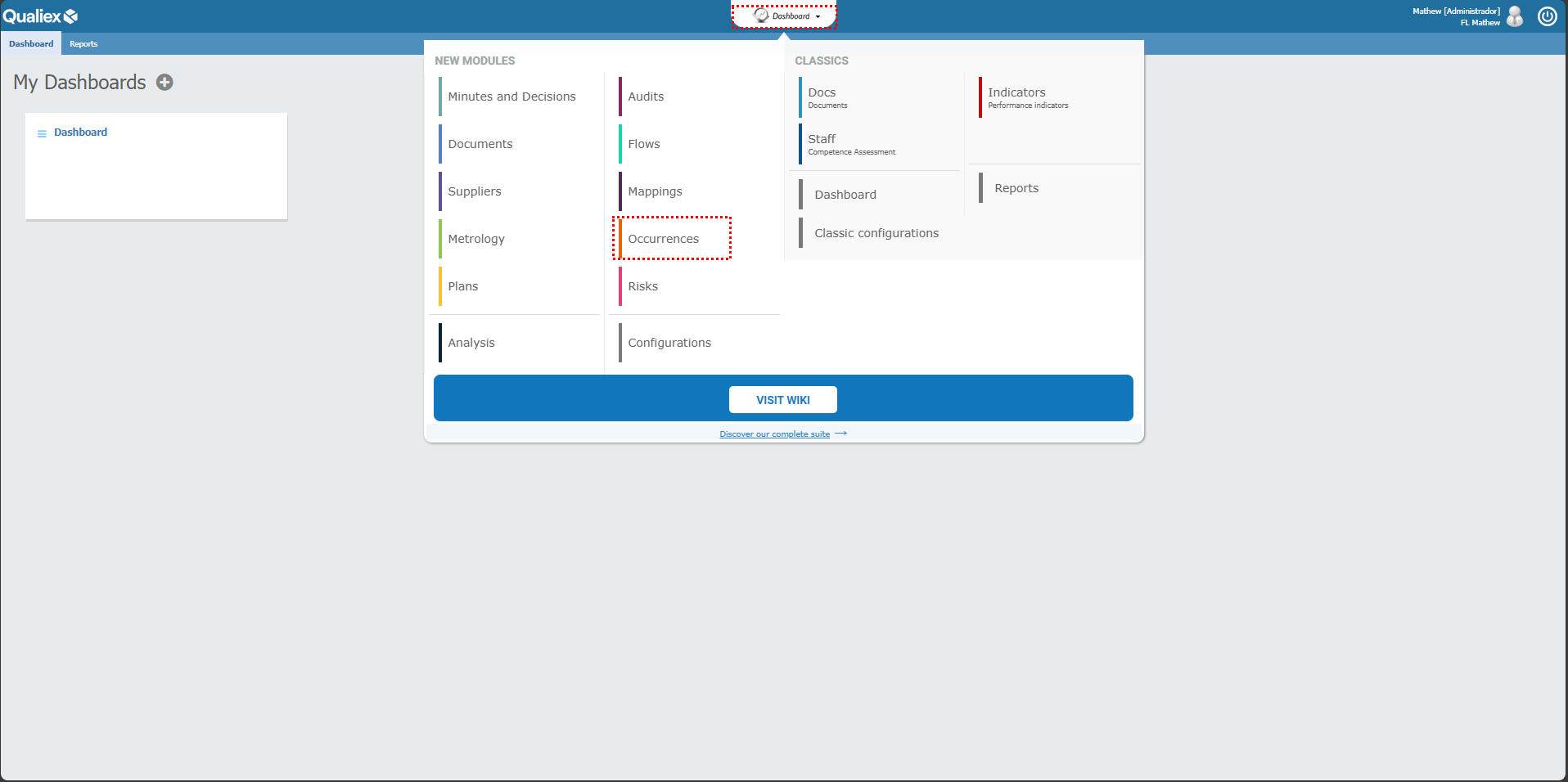
When you access the module, you will see the occurrences that are under your responsibility and have not yet been completed.