What the Overview Is Used For
Centralize information: It gathers all key data about occurrences in a single place.
Real‑time monitoring: It shows the current status of occurrences (open, overdue, completed, by location, by responsible person, etc.).
Provide direction: It helps identify where the main issues are, which areas or responsible users need more attention, and which occurrence categories are most frequent.
Make navigation easier: The dashboards are interactive, allowing users to navigate directly to the desired occurrence or action.
Benefits of the Overview
Faster management: It eliminates the need to open separate reports or queries, since everything is shown on a single dashboard.
Quicker decision‑making: With charts and indicators, it becomes easier to see priorities.
Better control: You can track deadlines, responsible users, and locations with open or overdue occurrences.
Identification of patterns and causes: It helps visualize trends, such as the categories or types of occurrences that occur most frequently.
Reduced follow‑up failures: It minimizes the risk of missing or overlooking an occurrence.
Strategic insight: It allows managers to have a broad view of the performance of the occurrence treatment process, supporting the definition of improvement plans.
1. Access the Module
2. Locating the Overview Tab
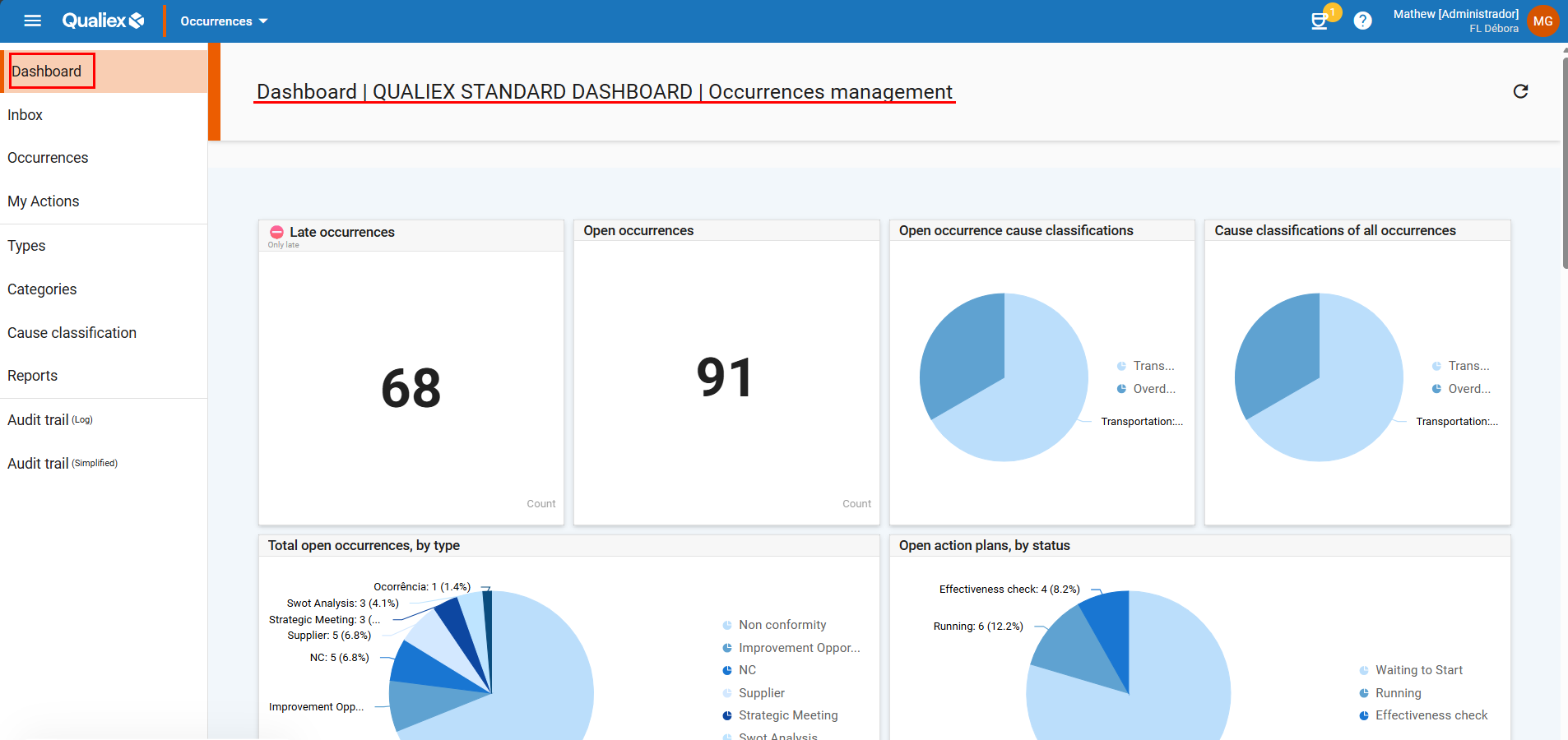
It is positioned in the upper‑left corner of the screen and is the first tab displayed.
3. Understanding How It Works
The Overview tab is designed to provide a consolidated, graphical view of the status of occurrences, according to each user’s access permissions.
For example, if the user has access to all occurrences, they will see everything.
If the user’s permission is restricted to a specific location, only the occurrences related to that location will be visible.
Monitoring Dashboards
The Overview is composed of several dashboards containing automatically updated data generated through standardized queries known as Qualiex Standard Queries.
These dashboards present key information in a graphical and interactive format, making monitoring easier and more intuitive.
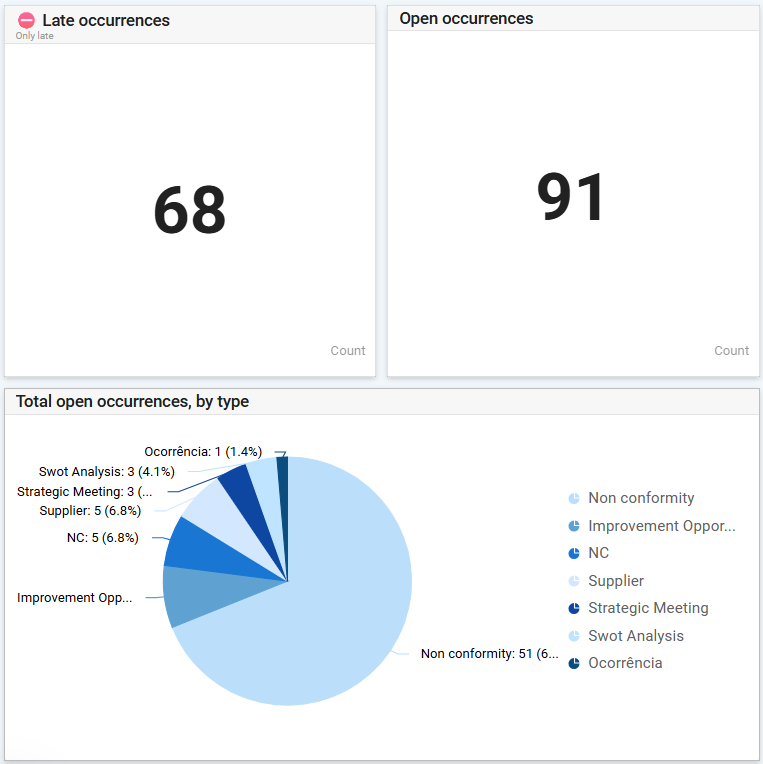
Among the available dashboards are:
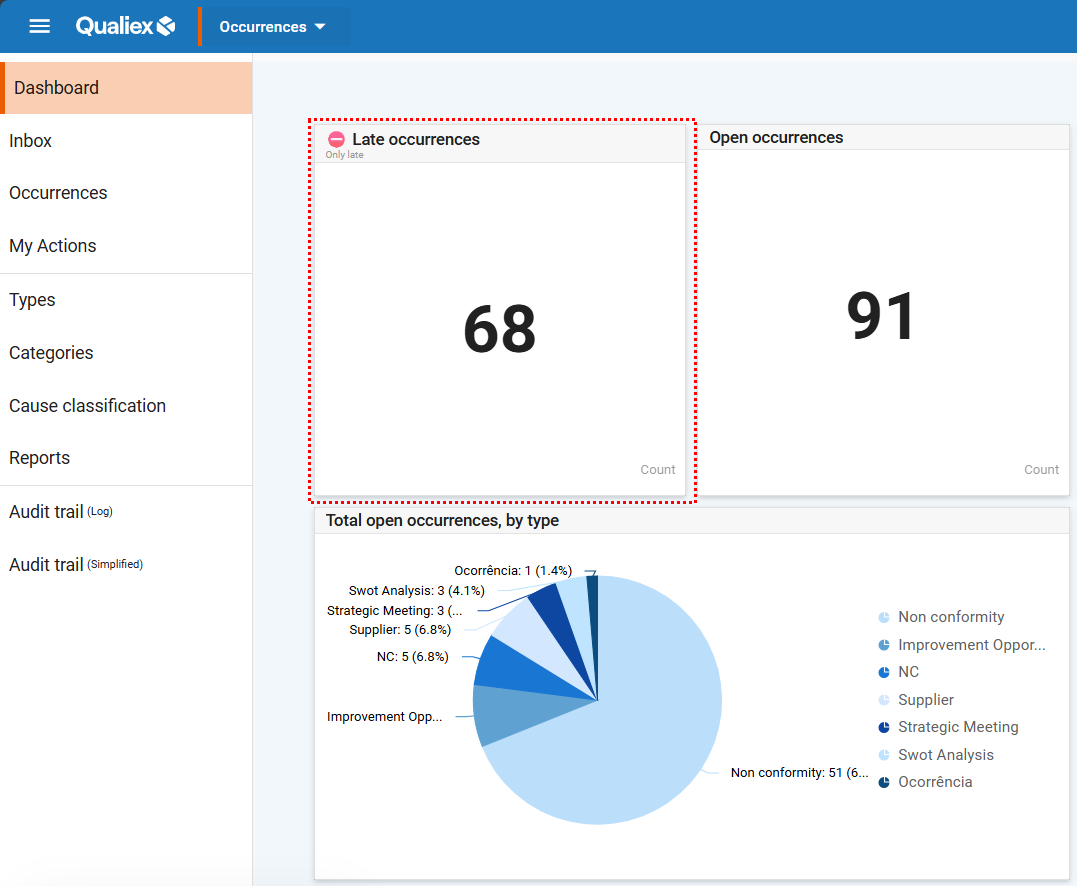
Overdue Occurrences - Displays occurrences that are past their execution deadline.
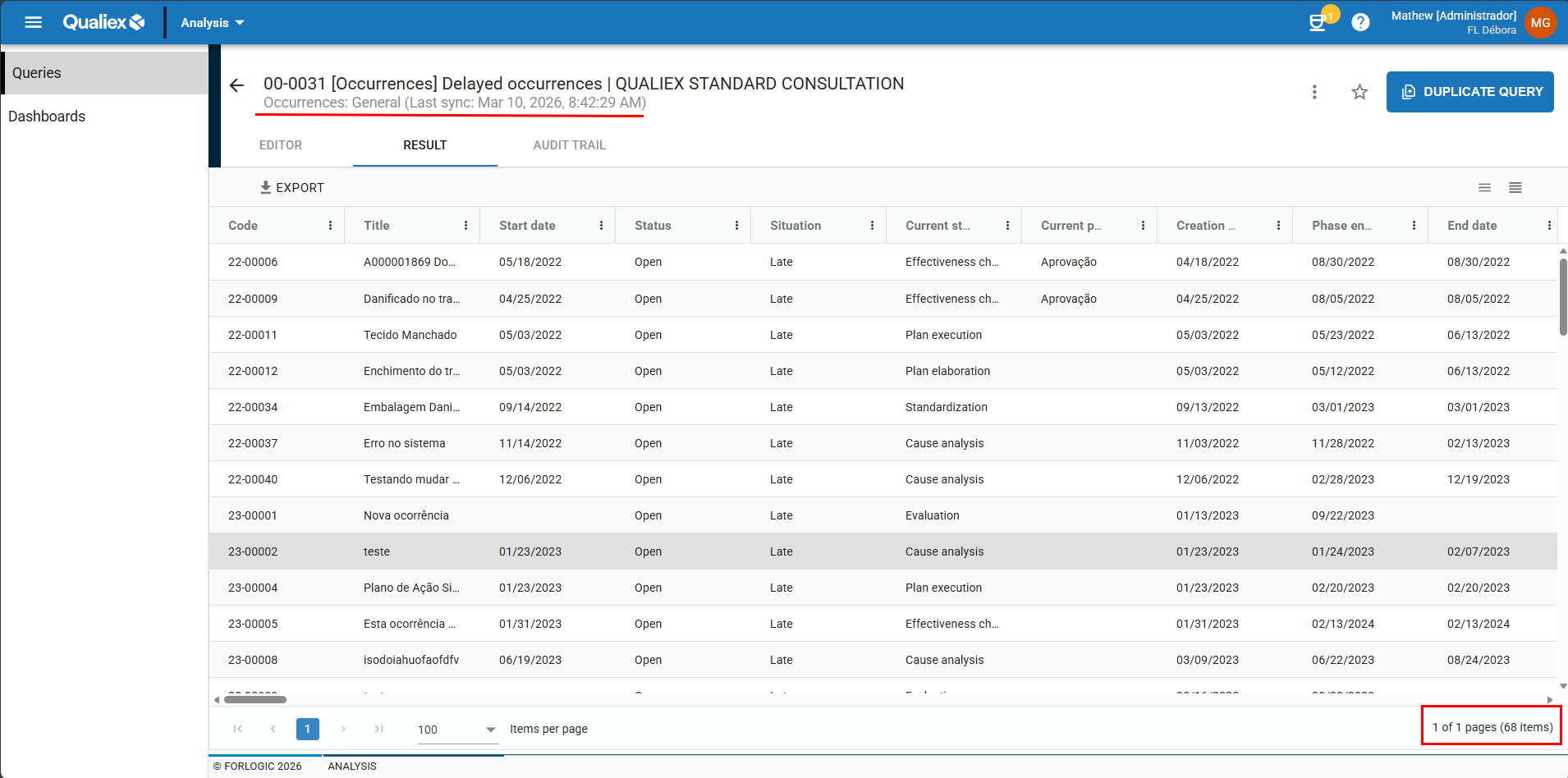
By clicking on the dashboard, you can view the list of overdue occurrences and access each one directly.
Open Occurrences - Shows all occurrences currently in progress.
Cause Classifications of Open Occurrences - Groups occurrences that are still open according to their cause classification, if this step has been applied.
Cause Classifications of All Occurrences - Displays all occurrences, open or closed, based on their registered cause classifications.
Total Open Occurrences by Type - Allows you to view the number of ongoing occurrences grouped by type.
Open Action Plans by Status - Shows all actions associated with occurrences and their current status.
Overdue Occurrences by Step Owner - Identifies which overdue occurrences are assigned to each responsible person or stage.
Open Occurrences by Location - Displays all pending occurrences organized by location.
Pareto of Open Occurrences by Category - A Pareto chart that ranks open occurrences by category, helping identify the most significant groups.
Occurrences Registered in the Month - Counts the occurrences created during the current month.
Occurrences Completed in the Month - Tracks occurrences that were finalized within the month.
4. Interactivity and Navigation
The dashboards are interactive: clicking on any of them opens a window with the list of corresponding occurrences.
From there, another click allows you to access the specific occurrence directly within the system.
This workflow simplifies navigation and streamlines daily operations.
For example:
In the Overdue Occurrences dashboard, in this particular database, there are currently 36 overdue occurrences.
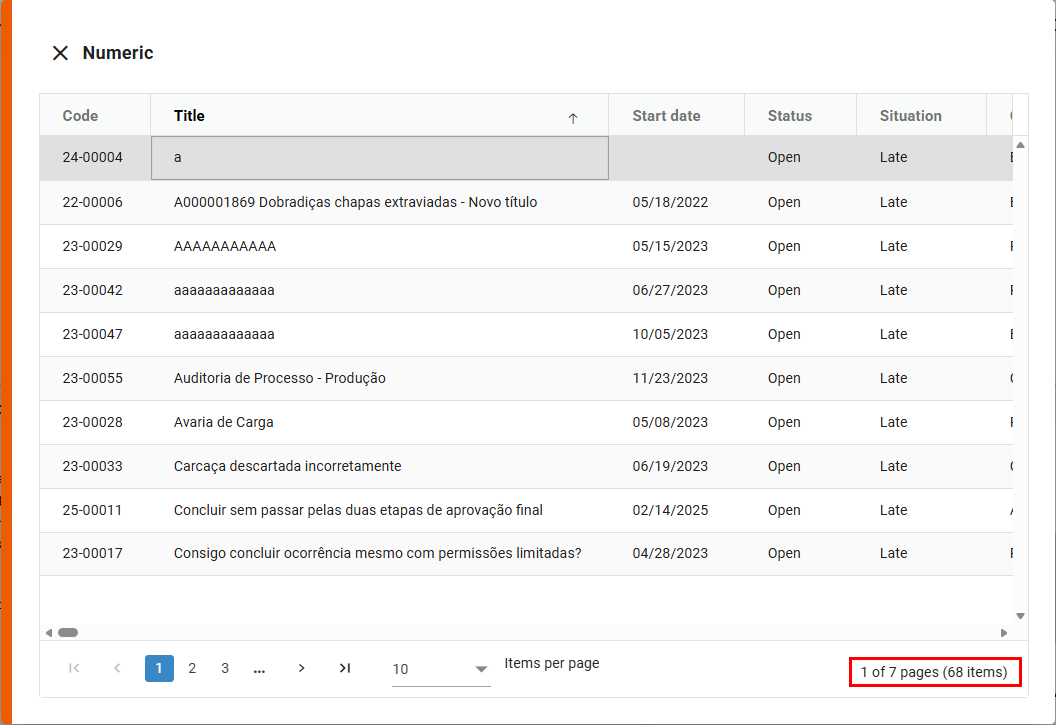
This workflow streamlines navigation and day‑to‑day operations.
5. Dashboard Updates
The Overview dashboards are standardized in the system, and their settings cannot be edited.
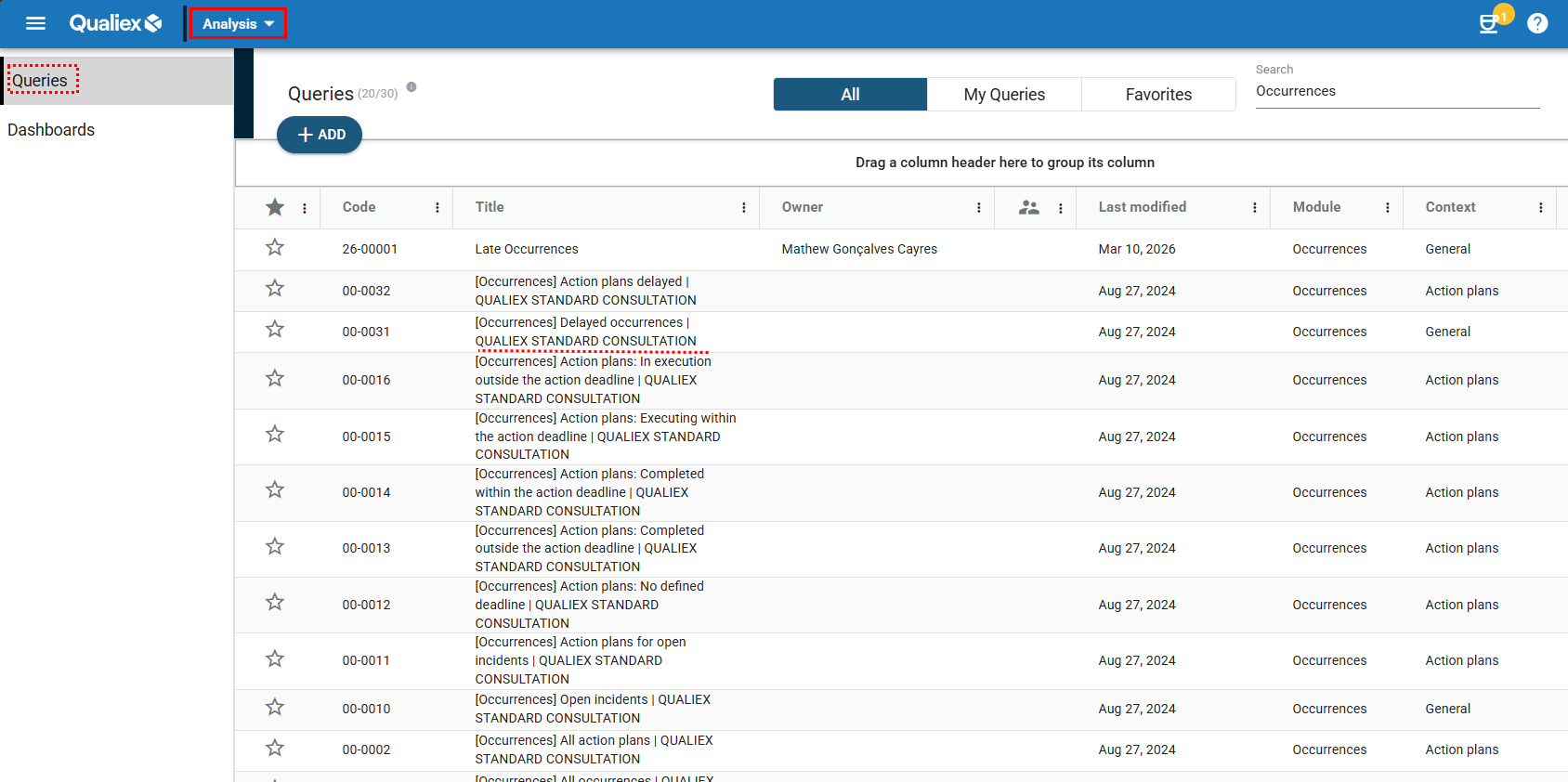
These dashboards are powered by standardized queries, identified in the Analyses module as "CONSULTA PADRÃO QUALIEX" (Qualiex Standard Query).
The information listed in these queries is displayed graphically in the Overview dashboards of the Occurrences module.