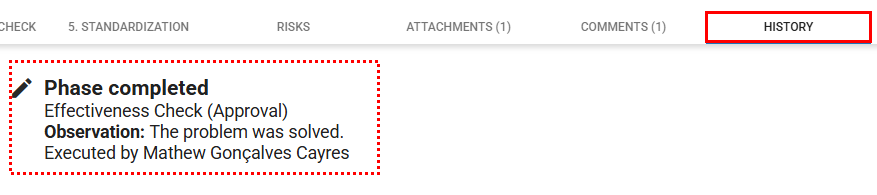
After completing all actions defined in the action plan, you can objectively verify whether the measures implemented have truly resolved the registered occurrence.
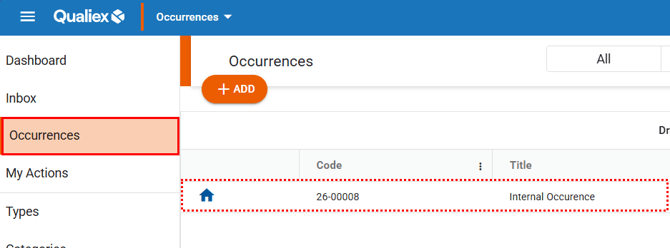
To do this, access the occurrence that is currently in the Effectiveness Check stage in Qualiex.
This stage is essential to confirm that the adopted solution achieved the expected results and complies with the organization’s quality standards, supporting continuous improvement of processes.
Accessing the module
Verifying effectiveness
These permissions are defined under Configurations > Roles and Permissions.
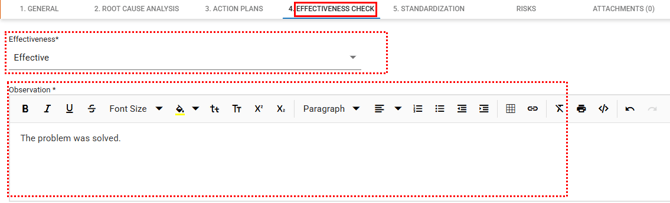
In the Effectiveness Check tab, fill in the fields indicating the result of the treatment and select whether it was considered effective or not.
In the assessment field, describe the outcome of the evaluation, explaining whether the treatment achieved the objective defined during the diagnosis.
Fields marked with * are required.
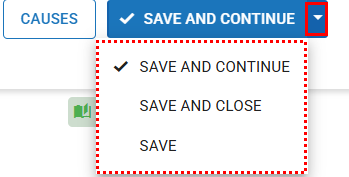
Once all fields are completed, you can:
-
Save and advance: Records the changes and proceeds to the next stage.
-
Save: Saves the changes and keeps you on the occurrence screen.
-
Save and close: Saves the data and returns to the occurrences list.